How to effectively manage AI subscriptions with AIHelper
Managing AI Subscriptions with AIHelper
Managing AI subscriptions is becoming an increasingly relevant topic in the world of startups and technology. AIHelper is a macOS application that allows you to effectively monitor the use of subscriptions for Claude AI and OpenAI Codex while ensuring complete privacy. In this guide, we will cover the basics of AIHelper, its interface, notification and threshold settings, as well as optimizing subscription usage.
Basics of AIHelper and Its Interface
AIHelper was founded in 2026 and is a multifunctional application for managing AI subscriptions. Its main function is to track API usage for Claude and Codex in real-time. The application's interface is simple and intuitive, making it accessible for users of all levels.
Navigating the Interface
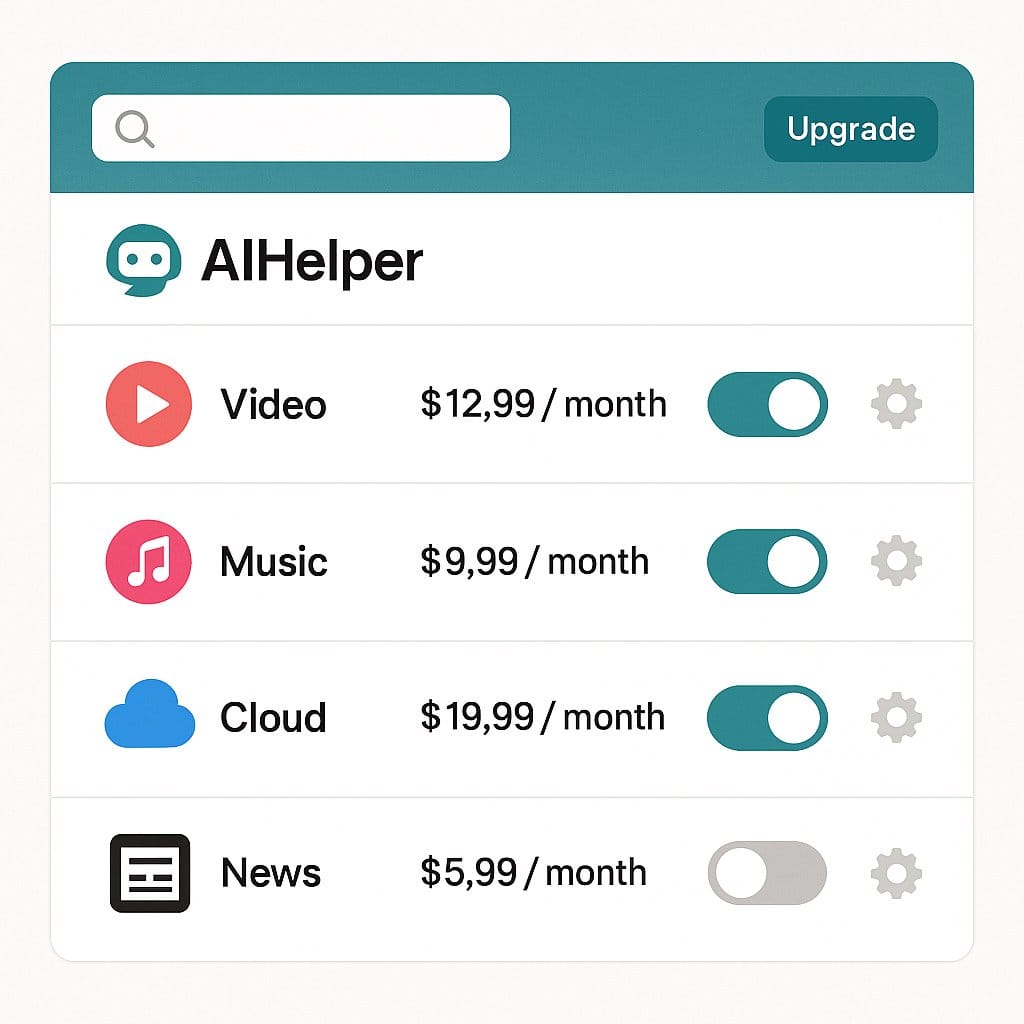
After installing AIHelper, you will see an icon in the macOS menu. Clicking on this icon will give you access to all the application's features, including settings, usage statistics, and notifications. The main panel displays current data on your API usage, as well as alerts about approaching thresholds.
Supported Platforms
AIHelper is fully compatible with macOS, making it easy to integrate into developers' workflows. Users can track their subscriptions for Claude AI and OpenAI Codex without needing to switch between different applications.
How to Set Up Notifications and Thresholds
One of the key features of AIHelper is the ability to set up notifications and thresholds that help prevent exceeding subscription limits.
Setting Thresholds
AIHelper allows users to set individual thresholds for each service. This enables alerts based on how actively Claude AI or OpenAI Codex is being used. For example, you can set a usage threshold of 70% for Claude and 80% for Codex. Once usage reaches the set level, you will receive a notification.

Configuring Notifications
To configure notifications, simply go to the AIHelper settings and select notification options. You can choose how often you want to receive notifications — from once an hour to once a day. Native macOS alerts are also provided, which are unobtrusive and do not distract you from your work.
Optimizing Subscription Usage
Optimizing the use of AI subscriptions is an important aspect that allows you to maximize efficiency and reduce costs.
Monitoring Usage
AIHelper provides detailed statistics on your API usage. You can track how many requests have been made over a specific period. This allows you to adjust your actions and plan potential expenses. Generating usage graphs will help you see trends and identify peak usage times.

Expense Analysis
Additionally, you can assess your expenses on subscriptions for Claude AI and OpenAI Codex based on usage statistics. This will help you understand how effectively you are using your resources and where you can save. For example, if you notice that you are using less than 50% of your subscription limit, you might consider switching to a lower plan.
Benefits of AIHelper
Using AIHelper brings numerous advantages that significantly simplify managing AI subscriptions.
Complete Privacy
One of the main concerns for users is privacy. AIHelper ensures that all data on API usage is stored locally and does not leave your device, protecting your personal and work data.
Ease of Use
The application offers a simple and clear interface, making it accessible even for newcomers to the tech world. All features are available through a single window, so you won't have to spend time figuring out complex settings.
Reasonable Price
AIHelper offers a very competitive pricing model — a one-time fee of just $2.99. This allows users to purchase the application without a subscription commitment. The entire version 1.x, including updates, is available to users at no additional cost.
Conclusion
With AIHelper, managing AI subscriptions becomes not only possible but also easy and efficient. You can monitor your subscriptions for Claude AI and OpenAI Codex, receive timely notifications, and adapt your usage according to your needs. Try AIHelper for free and optimize your management of AI subscriptions to focus on what truly matters — developing your project and growing your business!